


Email Migration Methods – A Complete Guide

Email migration is the method of transferring mailboxes, contacts, calendars and other data types from one platform to another. Organizations typically move from legacy email platforms to modern platforms. Choosing the right email migration method is critical as downtime, complexity, and risk during the transfer varies in different email migration methods. How do you choose…
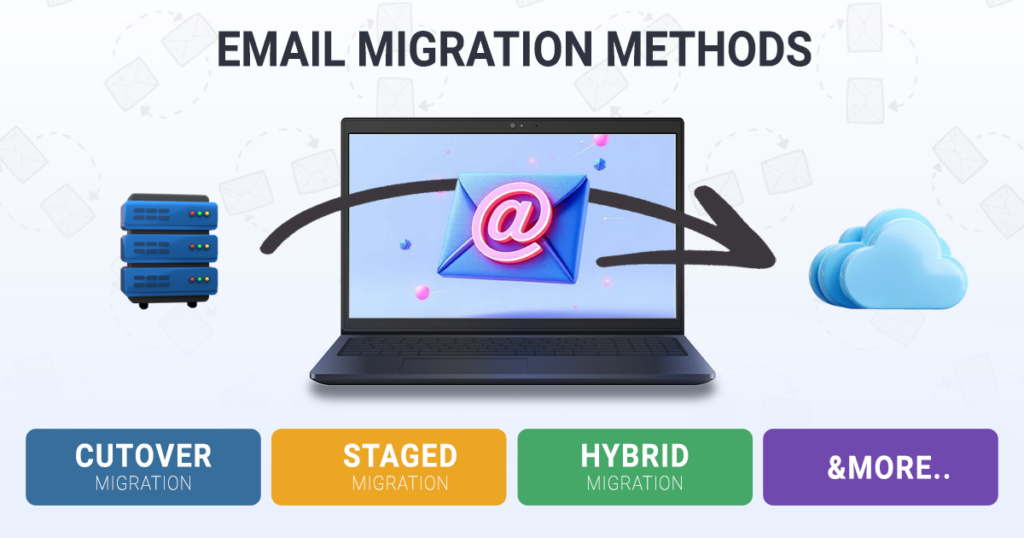
Email migration is the method of transferring mailboxes, contacts, calendars and other data types from one platform to another. Organizations typically move from legacy email platforms to modern platforms. Choosing the right email migration method is critical as downtime, complexity, and risk during the transfer varies in different email migration methods.
How do you choose the right email migration method?
Choosing the right method for email migration depends on the total number of mailboxes, data types that need to migrate, whether coexistence needed between old and new platforms and expected time window. Email migration professionals also measure the email server bandwidth and throttling to estimate approximate migration time.
1. Cutover Migration
A cutover migration is a generic scenario in case of smaller number of mailboxes. Typically ranging up to 500 mailboxes. In the cutover migration, mailboxes are migrated at once to the destination server within a short window. Email migration experts plan the cutover migration during non-business days to ensure minimum impact on business. Execution mostly involves multiple machines or threads for time savings. At MailPro Pilot we usually target email migration done on a Friday evening through Sunday. And we use multiple virtual machines to parallel migration.
Key Benefits
Fast migration, simple architecture and minimal configuration.
Challenges
Possibilities of downtime, higher risk in case of problems and not suitable for large organizations.
Best for
Small businesses having fewer than 500 mailboxes.
2. Staged Migration
This email migration method suits for large organizations or for the email server with bandwidth constraints. In a staged migration, the migration team moves mailboxes in batches over a defined period. The team divides the users into groups based on the organization’s priority. Each group migrates separately to the destination platform. The process involves
- Initial migration – Existing mailboxes are migrated in batches.
- Delta migration/sync – New emails and updates are synced or migrated.
- Final cutover – Final delta migration for any remaining messages and switch Mail routing (MX records)
Typical behavior of this email migration method is that the users remain on the source email server until the migration complete.
Key Benefits
Lower risk than cutover, easier troubleshooting and no complete downtime.
Challenges
More planning needed and may need to add temporary dual environment in some cases.
Best for
Gradual migrations and medium-sized organizations.
3. Hybrid Migration
Hybrid email migration service connects on-premise email server with a cloud environment and both work as a single system. This method requires seamless mail routing between systems. Migration experts implement shared address book and free/busy calendar visibility while performing migration.
Co-existence: This is the term used for keeping both the environments as a single system.
Key Benefits
Smooth transition, full co-existence and minimal disruption.
Challenges
Complex connectors, hybrid connectors and identity synchronization.
Best for
Large enterprises migrating thousands of users.
More Email Migration Methods
The above mentioned migration methods are the major migration method used for the following migration scenarios
IMAP Migration
IMAP protocol enable the migration from webmail to any other platform. Only email messages migrate and no contacts or calendars support. Major tech companies are redacting the IMAP and moving API based authentication for better security.
Email Archiving
Email archiving is a process of storing emails into tamper proof and searchable repository.
Cross Domain, Cloud to Cloud, On-Premise to Cloud, Migration using Third Party Tools, PST Import/Export are some of the common email migration scenarios.
Why MailPro Pilot?
MailPro Pilot is a specialized IT service provider focused exclusively on email migration. With over 10 years of hands-on migration experience, our team of experts helps organizations move their email systems smoothly, securely, and with minimal disruption. We believe that clear communication is critical for successful migrations, so we walk clients through every possible scenario, timeline, and technical consideration before the project begins. By combining deep migration expertise with complete transparency, MailPro Pilot ensures predictable outcomes and eliminates surprises during the migration process.
Looking for a reliable email migration partner? Connect with MailPro Pilot today.